Hardware

GPS
iPhone

Change Low Beam Lamp on Honda Accord 2003

2013/06/07
By
Modified: 2013/05/06
Honda-Accord-Low-Beam-Bulb-Replace

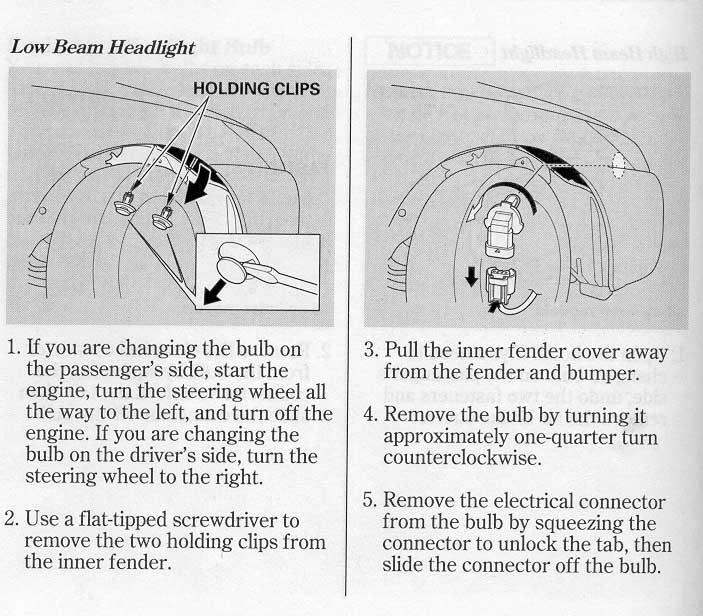
How to Change Low Beam Lamp (Bulb) on Honda Accord 2003? Car Manual calls for a bulb named “12W 51W HB4″. When you call the auto-supply store for availability, they confirm that they do have plenty of those, and they call them 9006 bulbs. You can buy one bulb at a retail store for $7.84 plus tax. Now, you are ready to replace the bulb.  Get ready to have some fun. Manual explains that you need to turn your front wheels all the way to the right or all the way too the left to open the space for you to access the hidden door under the front fender. There is…

Read more »


Copy MP3 Files From PC to iPhone

2013/06/03
By
Modified: 2013/05/06
2009-07-06-Orient-Point-LI-

I bought the very first iPhone (2G) in February 2008.  Somehow I fugured out how to  to move media files between iPhone and PC.  It was clumsy and awkward.  It was a torture and menace. This time I needed to copy over a hundred speech MP3 files to an iPhone.  I need something robust and automatic. Concept (01) Add your files to iTunes LIBRARY (02) Sync your iPhone with iTunes Prerequisites This example was tested on 2G iPhone with iTunes 10.1.1.4 on Windows 7 64-bit Ultimate.  This example later confirmed on iPhone 4S with iTunes 10.5.o.142. To start you need iTunes installed somewhere on a disposable instance of Windows operating system.…

Read more »

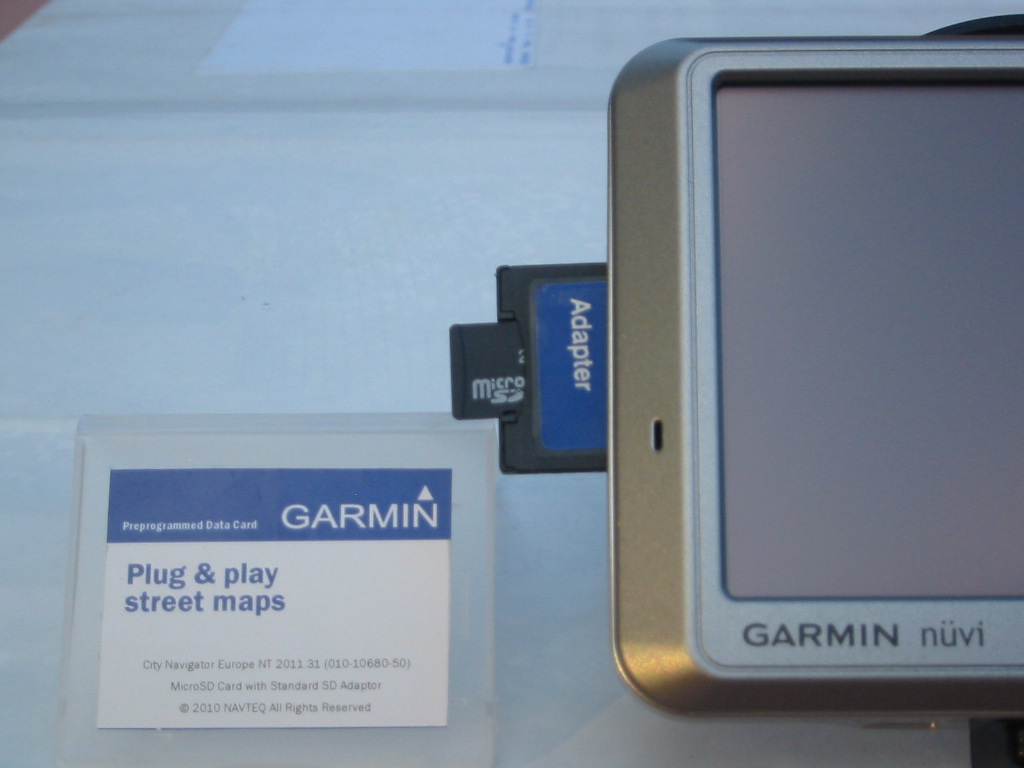
Garmin Nuvi 750 – Unusual in Usual

2013/05/24
By
Modified: 2013/05/06
Garmin Nuvi 750 – Unusual in Usual

Device comes with US map preloaded.   To start using it, no subscription is necessary, but you might want to keep buying map updates.  Device starts telling you that you map is over a year old – it is time to buy an update. You can install free internal software updates (firmware) through provided USB cable.  When connected through USB cable (for charging for example), you can NOT use the device.  You can see the content of you GPS unit as a hard drive on your PC. Device has a SD card slot to add more maps (like Europe – $50 -$100) or music (MP3), or photos, or books on tapes.  According…

Read more »

PC Sleep and PC Hibernate Shortcuts

2013/05/18
By
Modified: 2013/05/06
Sleep-and-Hibernate

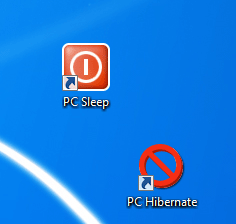
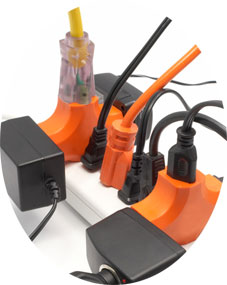
Everybody wants a shortcut for PS Sleep to save time on clicks. Instead of 3 clicks Start - Shutdown - Sleep every time, let's have just one click - Sleep. There is a way to do that. Please tell me, if this also works in Windows XP.
Read more »

Add User Register Date Column to WordPress 3.5.X

2013/05/14
By
Modified: 2013/05/06
WP-Users-with-Date-Column

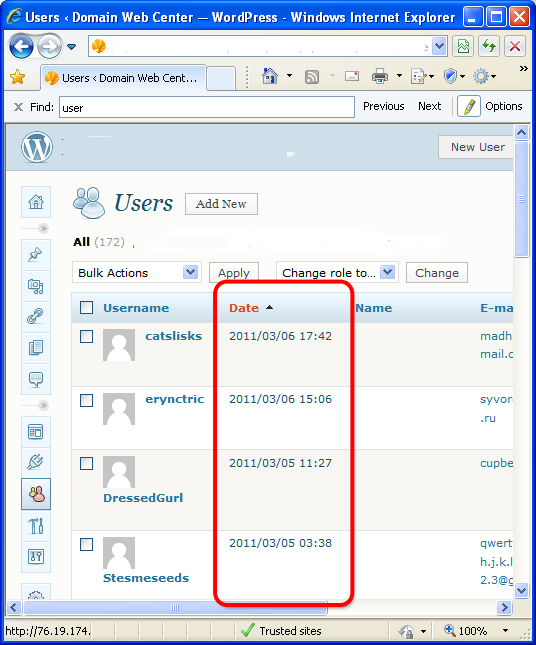
This solution was tested on WordPress 3.1 running on IIS7 and IIS 7.5.  It will work on WordPress 3.1.1, on 3.2.1, and on 3.5.1. This solution adds a new column to your admin user page, and makes it sortable (optional).   Here are the steps. -01- Find wp-admin\includes\class-wp-users-list-table.php and make a backup copy of the file. Call it class-wp-users-list-tableORIG.php.   -02- Open wp-admin\includes\class-wp-users-list-table.php in your favorite editor.   -03- Find line function get_columns() {   -04- Add a new line of code ‘user_registered’ => __(‘Date’), after email field.     -05- Find a very last instance of $r .= “<td $attributes>”;   -06- Insert 3 new lines of code between words…

Read more »

Moving Win XP from RAID to RAID Machine

2013/05/08
By
Modified: 2013/05/06

After several days of heavy exhausting battles and sleepless nights, after testing dozens of options, after browsing many proposed Internet solutions, I finally was able to move an old instance of Windows XP on a new machine with new RAID drivers. That happened at 13:23 on December 12, 2010.  I moved Win XP from old RAID machine to a new RAID machine. O boy! I found  a clear and clean way to do this task.  I will also use the same technique to move any Microsoft operating system from a Single drive to a RAID machine.  And this also works great, if you simply switching your PC controller from IDE to…

Read more »

Restore iPhone from an Old Backup (PC)

2010/07/03
By
Modified: 2010/08/09

If you have iPhone backup on an old PC, or old prallel install of other (or even non-functioning) operating system, you still can restore your iPhone through iTunes. Copy a long number directories from old installation to a new one.  For example copy a directory   from …Old User Directory\AppData\Roaming\Apple Computer\MobileSync\Backup to %UserProfile%\AppData\Roaming\Apple Computer\MobileSync\Backup It appears that your applictions are not part of the backup.  Also, I don see any music files to be restored.  However, even your last search in Google maps is restored and saved.

Read more »